
root@krueger:~/products/kineo$ cat README
A premium health system built to feel guided, credible, and sticky from the first tap.
Kineo now spans a live browser release at mykineo.com, installable PWA behavior, calmer daily-use flows, and a fuller beta-ops layer covering system status, release readiness, changelog, support, and submission tooling. The product works best when the member loop and the release layer feel like one system.
cat overview.txt
Kineo gets stronger when the member loop and the release layer both feel deliberately authored.
Daily wellness apps fragment the loop
Most products split workouts, meal planning, discovery, account state, and release support into disconnected surfaces that never feel like one membership.
One guided browser-first member system
Kineo ties onboarding, daily home, coach, fuel, places, scan, account sync, and launch-support tooling into a product that can actually operate live.
Calmer usage and more credible beta operations
The product feels closer to a premium wellness operating surface instead of a tracker plus a pile of internal tools bolted on afterward.
My role
I owned the product architecture, frontend execution, and browser-release posture of the system.
- Defined route architecture across onboarding, daily use, nearby discovery, support, and premium conversion
- Shaped the hierarchy, tone, and interaction system across the live browser release
- Built and refined the production-facing frontend surfaces and installable PWA posture
- Added launch readiness, status, changelog, support, and submission tooling inside the same product shell
Snapshots
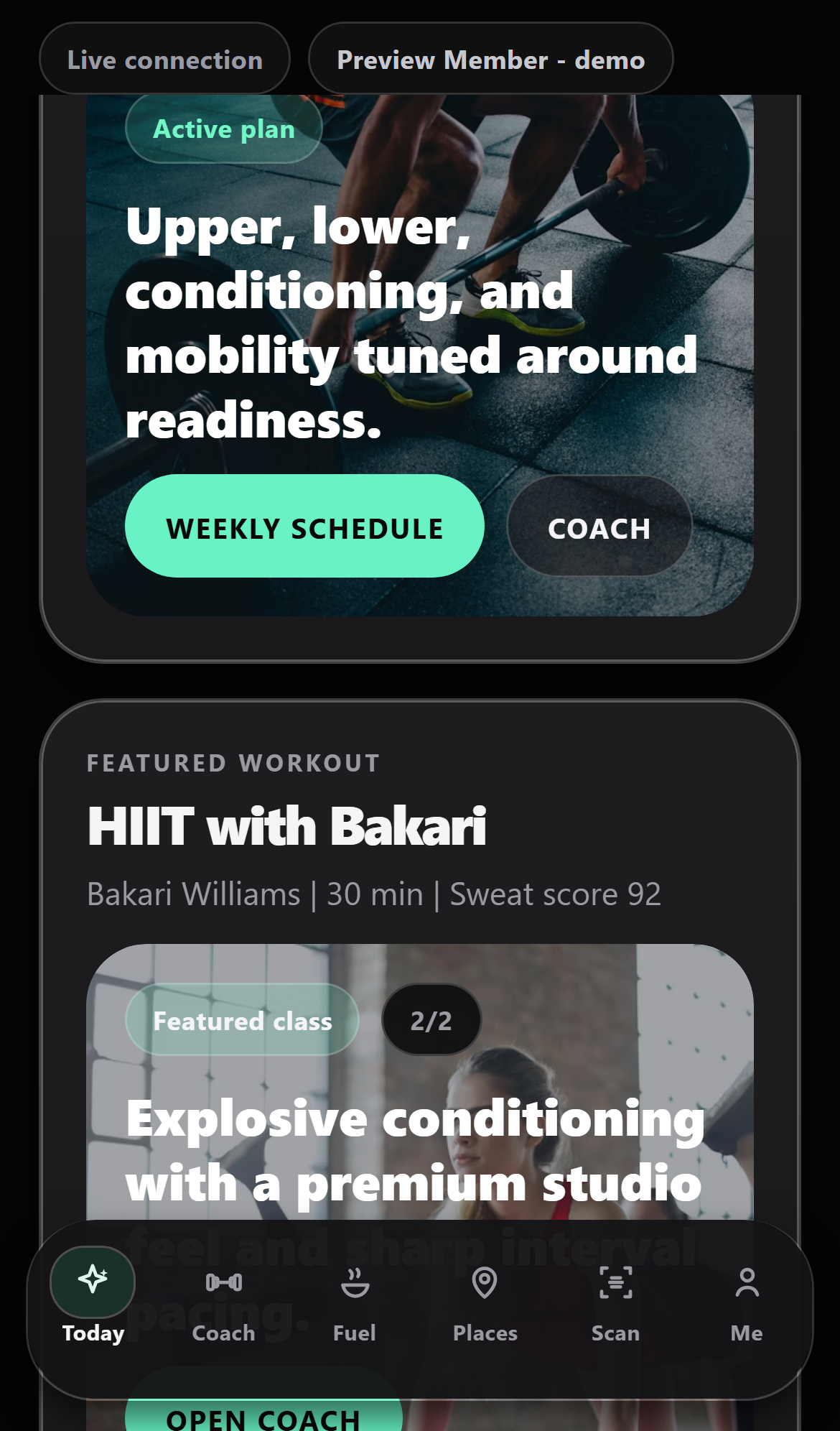
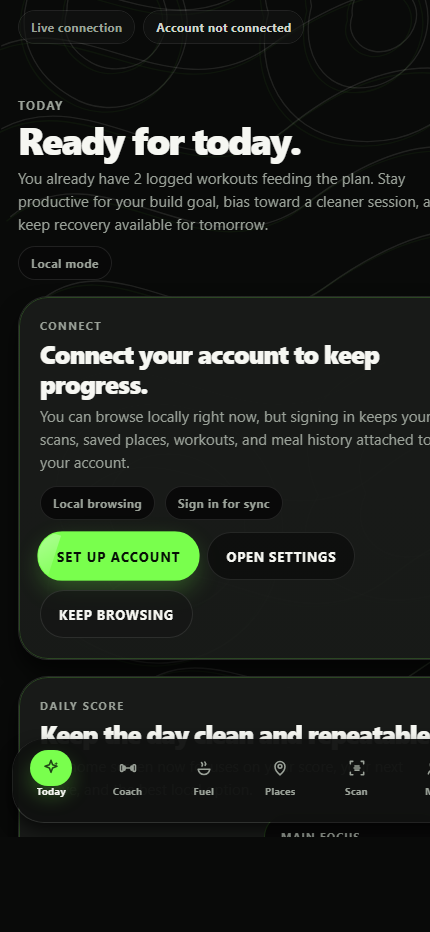
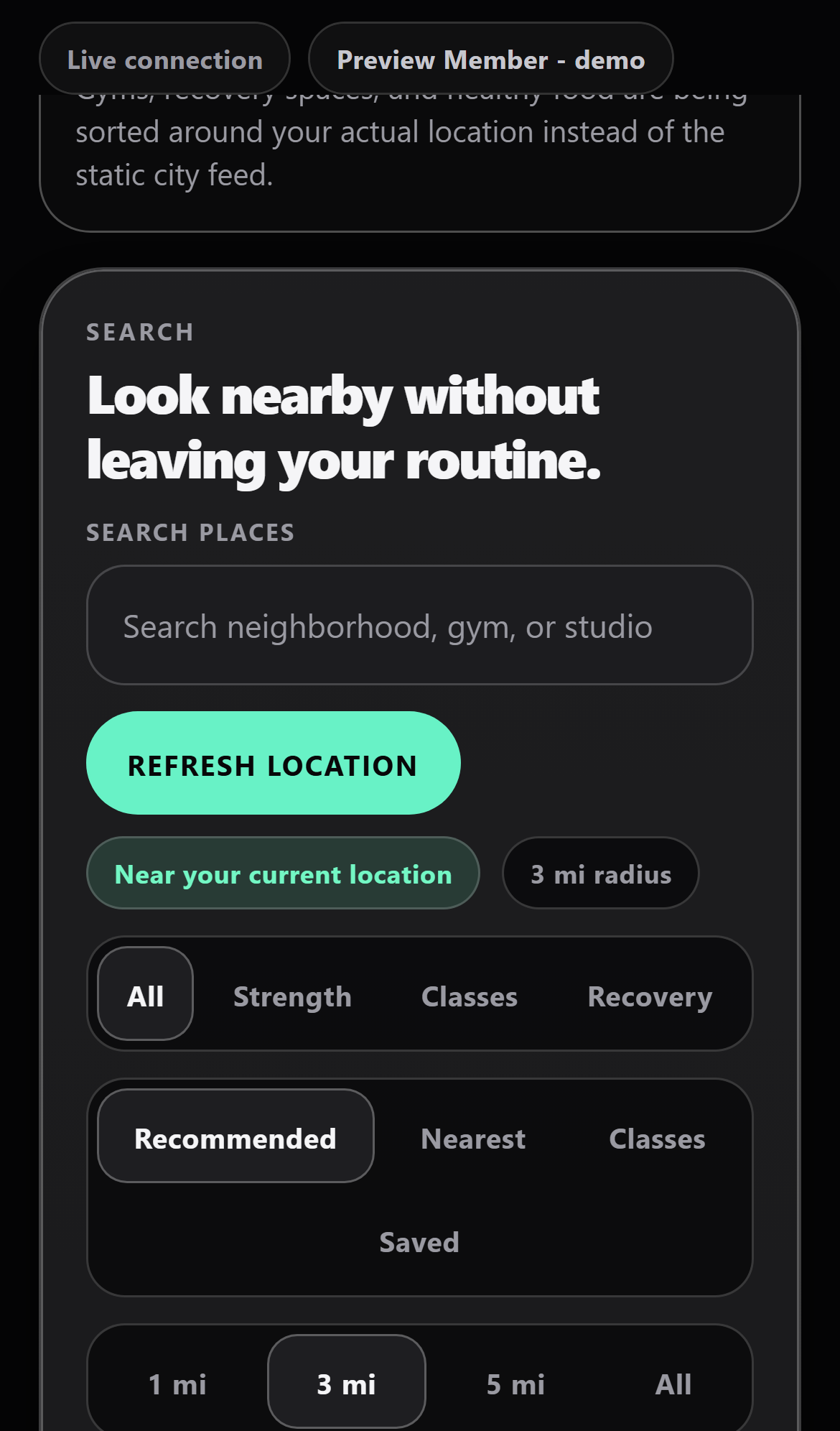
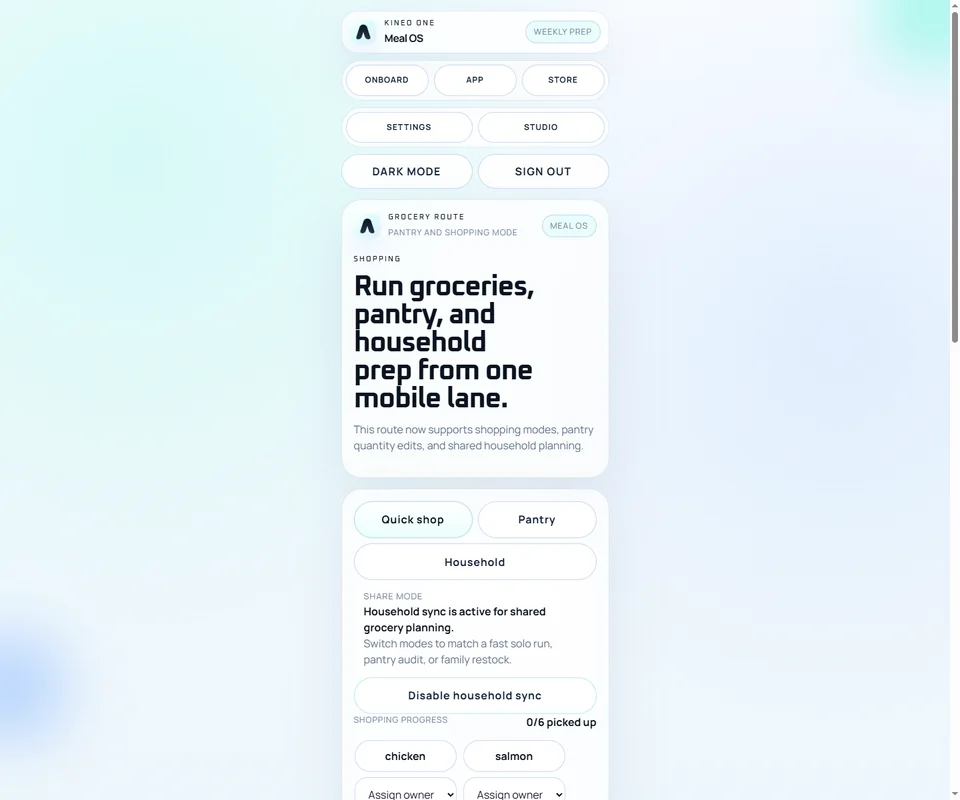
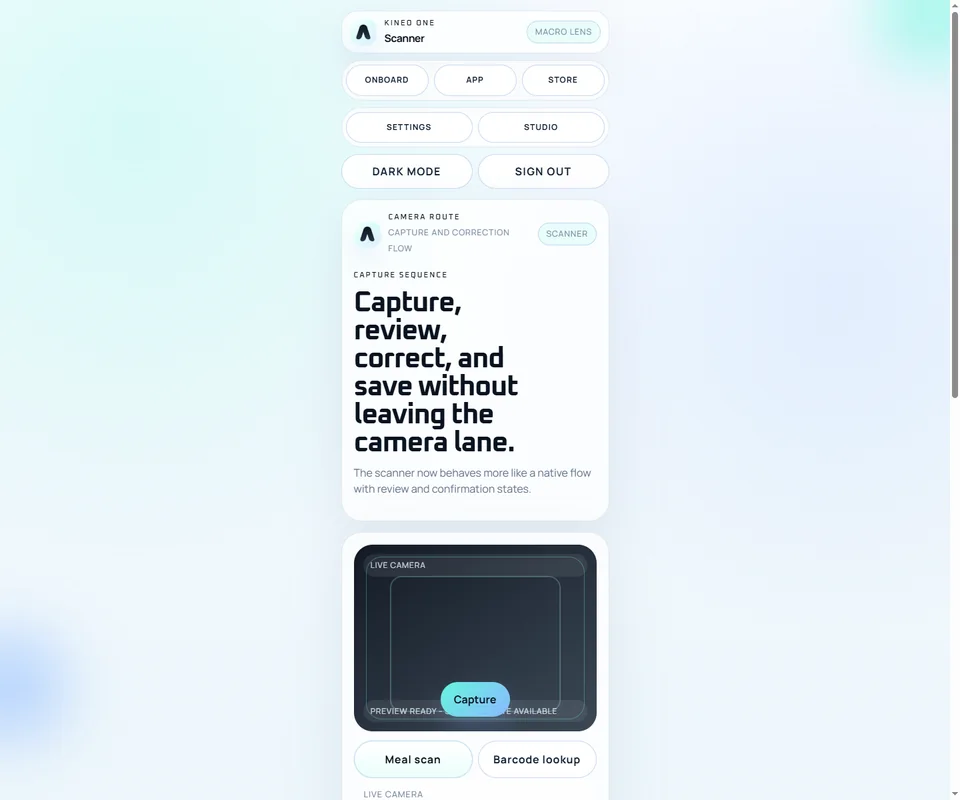
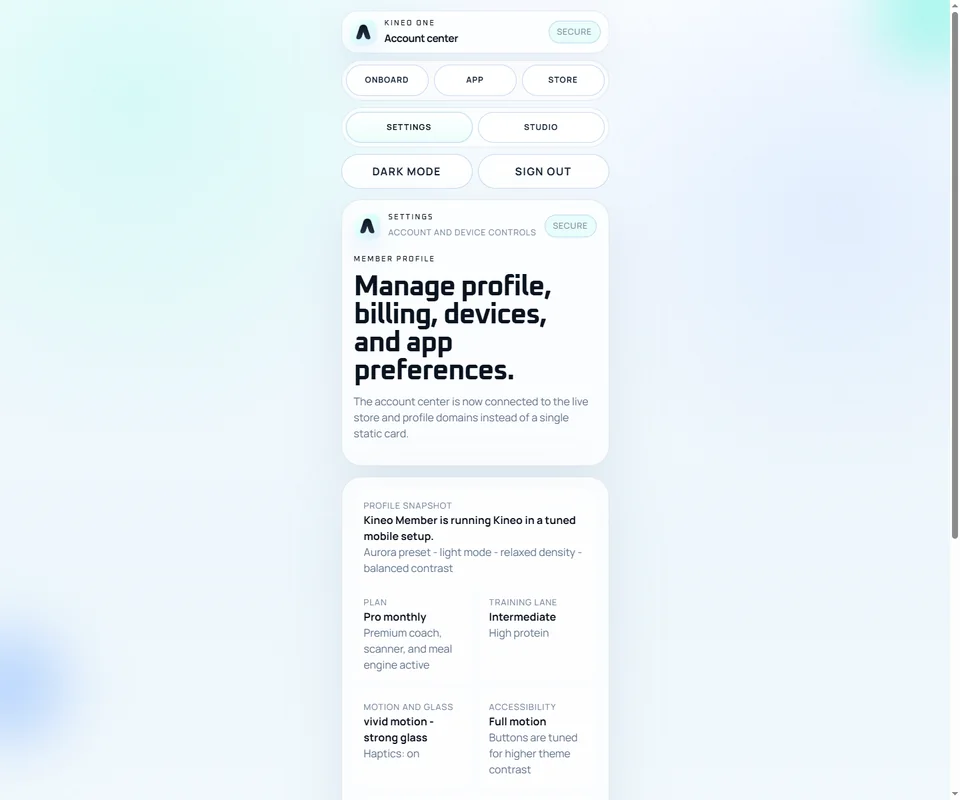
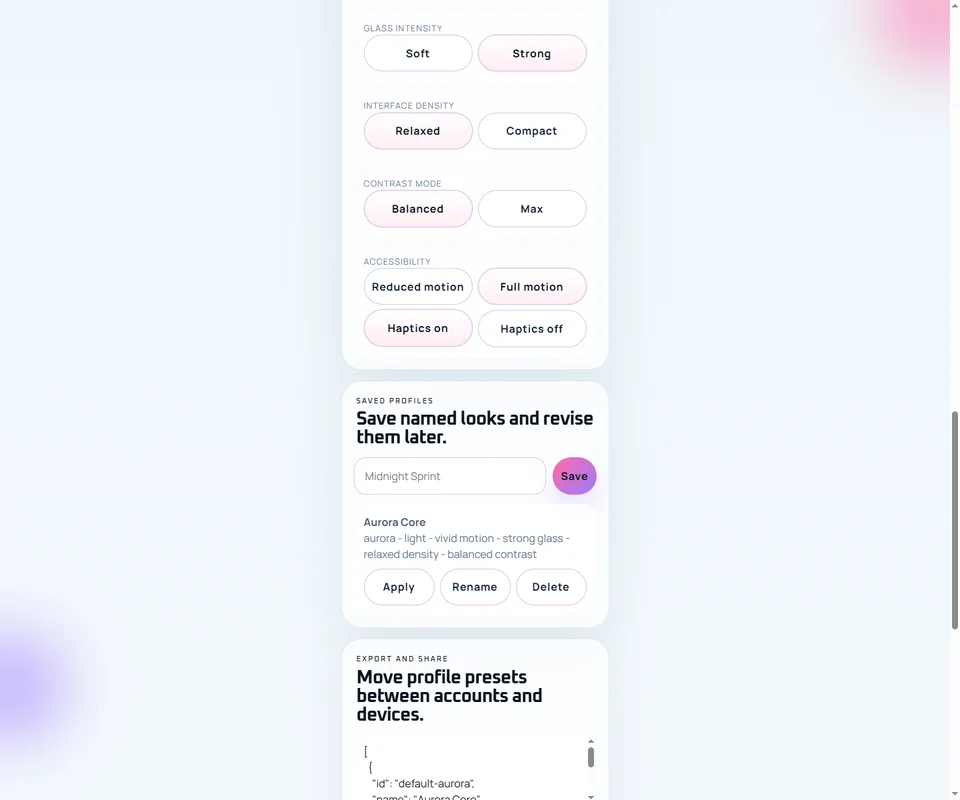
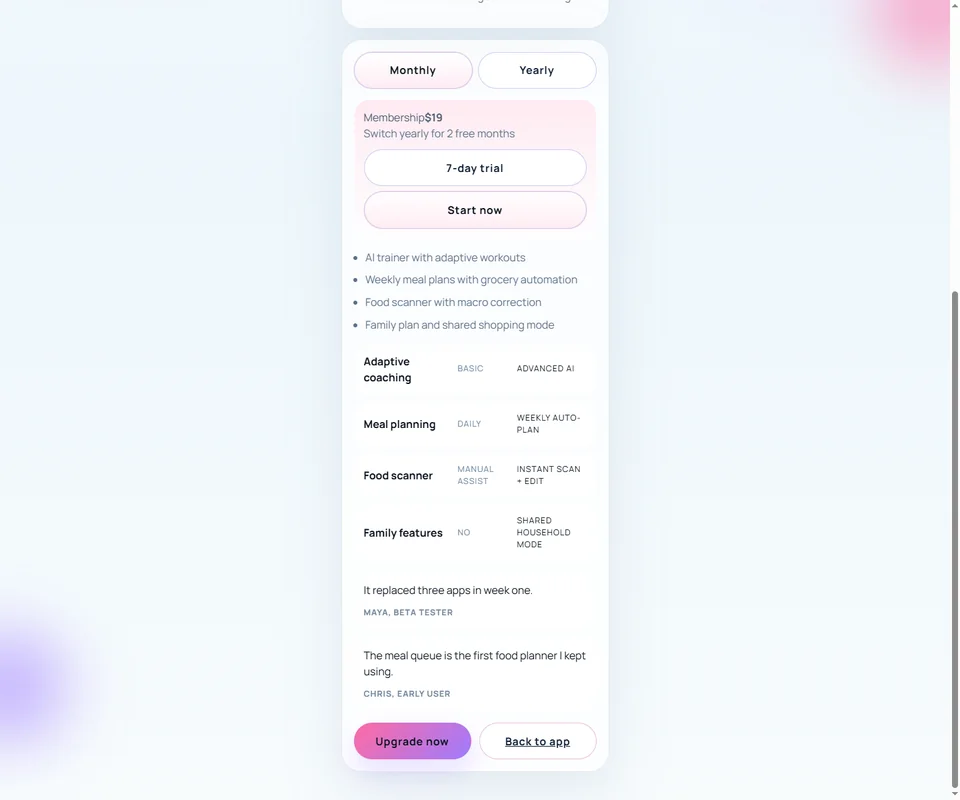
Newer browser-release shots alongside the core member loop.
Project stack
The stack now supports a live browser app, a mobile shell, and a beta-ops layer behind both.
Browser release
React 19, TypeScript, Vite, React Router, installable PWA shell, Cloudflare Pages release path
Mobile build
Expo, React Native, React Navigation, Expo Camera, Notifications, Secure Store, deep-link routing
Member + release services
Supabase, RevenueCat, Sentry, Async Storage, analytics/crash scaffolding, feedback and support tooling
Notable features
These are real routes and systems pulled directly from the current codebase.
Onboard, App, Store, Settings, Studio, Workout, Grocery, Camera, Profile, Paywall
The web build already maps route-specific product roles instead of collapsing everything into one screen.
Today, Coach, Fuel, Places, Scan, Me
The live browser app keeps daily behavior in a clearer six-lane system, with sync prompts and account state staying visible instead of hidden.
Launch readiness, system status, changelog, support, feedback, screenshots
The product now includes its own beta-ops layer, which makes shipping, testing, and explaining the live app more credible.
Directional KPIs
If I were shipping this into broader beta, these are the numbers I would watch hardest.
Target onboarding-to-dashboard completion within the first session.
Target share of browser users who move from local browsing into a persistent synced account.
Target home-screen installs once the browser release becomes part of regular member behavior.
Target retained weekly users by linking home, workouts, places, fuel, scan, and account progress loops.
Timeline
The product expands in a sensible order: credibility first, daily loop second, premium systems third.
Position the product
Onboarding, store, and premium framing establish what Kineo is before a user learns the full route map.
Build the daily loop
Dashboard, workout, grocery, and scan routes create the behavior engine that makes the app useful every day.
Deepen personalization
Settings, customization, profile state, and saved templates make the product feel increasingly tailored and premium.
Ship the live browser release
mykineo.com, installability, support tooling, screenshot studio, and submission notes help the app mature beyond prototype quality.
Architecture
The architecture mirrors the product: one shared system, multiple specialized surfaces.
Acquisition
Onboarding + Store + Paywall
->
Daily loop
Dashboard + Workout + Fuel + Scan
->
Personal layer
Profile + Settings + Saved looks
Web shell
React + Vite routes power the live browser app and keep the release-ready product feeling close to the concept vision.
Mobile app
Expo + React Navigation turns the same product language into a dedicated daily-use mobile experience.
Service layer
Supabase, RevenueCat, Sentry, notifications, camera, secure storage, and release-support tooling support auth, billing, logging, and QA loops.
Hardest tradeoff
Kineo has to feel premium without burying the user in too many health, food, and settings controls at once.
The main tradeoff was deciding what deserved its own route versus what should stay embedded in the dashboard. I leaned toward more route clarity because it makes the system feel more believable, more premium, and easier to scale.
- Separate screens reduce overload at the cost of a broader navigation map
- Premium framing raises expectations, so every route has to feel deliberately authored
- Scanner and grocery lanes only work if they feel native to the same promise as workouts and coaching
What I would build next
If I kept pushing Kineo, the next step would be making the intelligence layer even more legible.
Wearable and recovery sync
Make readiness and training adjustments feel more obviously powered by real data inputs rather than static logic.
Native release hardening
Carry the browser release gains into store-ready billing, crash visibility, and cleaner release confidence for mobile packaging.
Richer premium reporting
Use reports, progress narratives, and tailored recaps to make the subscription feel more obviously compounding.
Next case study
Jump from guided health into the darker, faster SimDex interface world.
Kineo is about support and structure. SimDex shows the other side of the range: live signal density, operator surfaces, and noir market flow.